Generate AI Influencer Ads From Text
If you are in the market for user-generated content (UGC) ads, it might be worth using AI to create your own.
A screenshot of the videos we’ve generated using Google’s Flow that we’re now running as ads

We’ve been using Google’s latest video tool, Flow, to create hooks, testimonials, and body content for our clients’ UGC ads.
And the results are good.
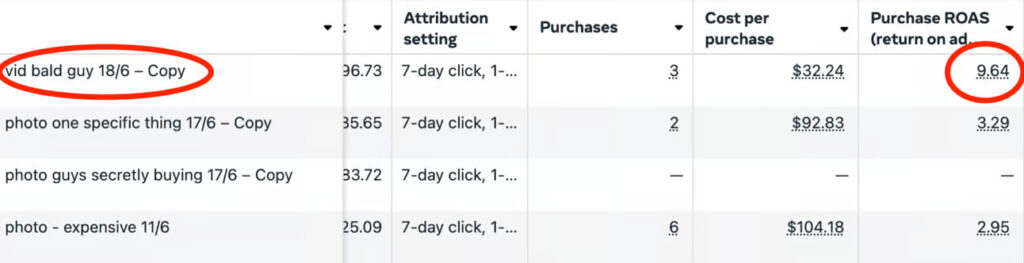
Here’s how to create AI ads and not feel like you are deceiving your customer:
(Bonus tip: If you want to see how to use AI to write your entire ad script – read this)
1. Head over to Google AI plans
2. Select the Google Ultra AI Plan ($173.75 if you are already a Google Workspace user)

3. Once you’ve signed up, head to Google Flow > select “Create with Flow”
4. Select “Create New Project”
5. You’ll then be given the prompt box – change the settings to “Text to Video” and change the settings to “Veo3 – Fast (Text to Video)” and select 1 “Outputs per prompt”
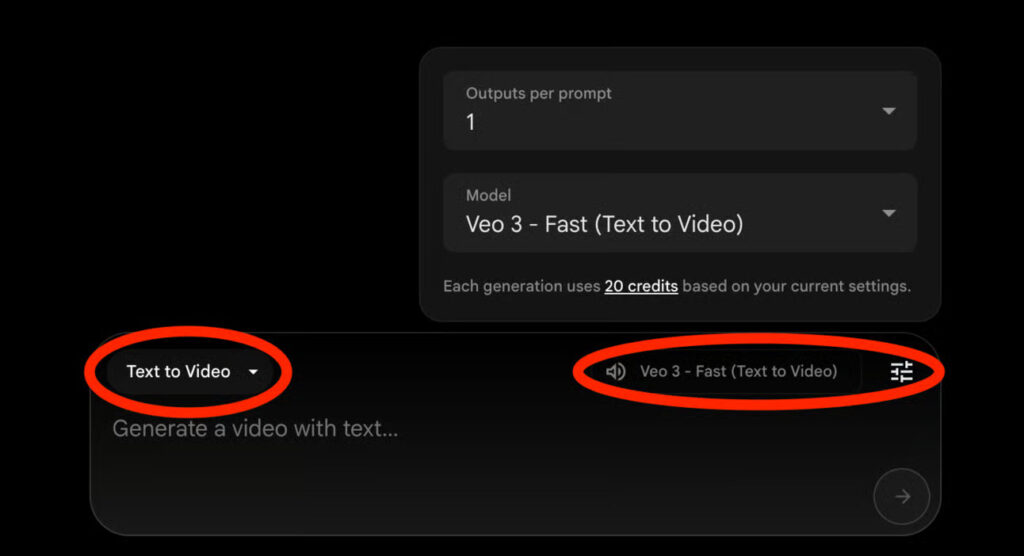
Google gives you 12,500 monthly credits, and every video output you produce costs 20 credits (roughly 625 videos – you’ll spend a lot of credits trying to get your prompting right for the content you are after)
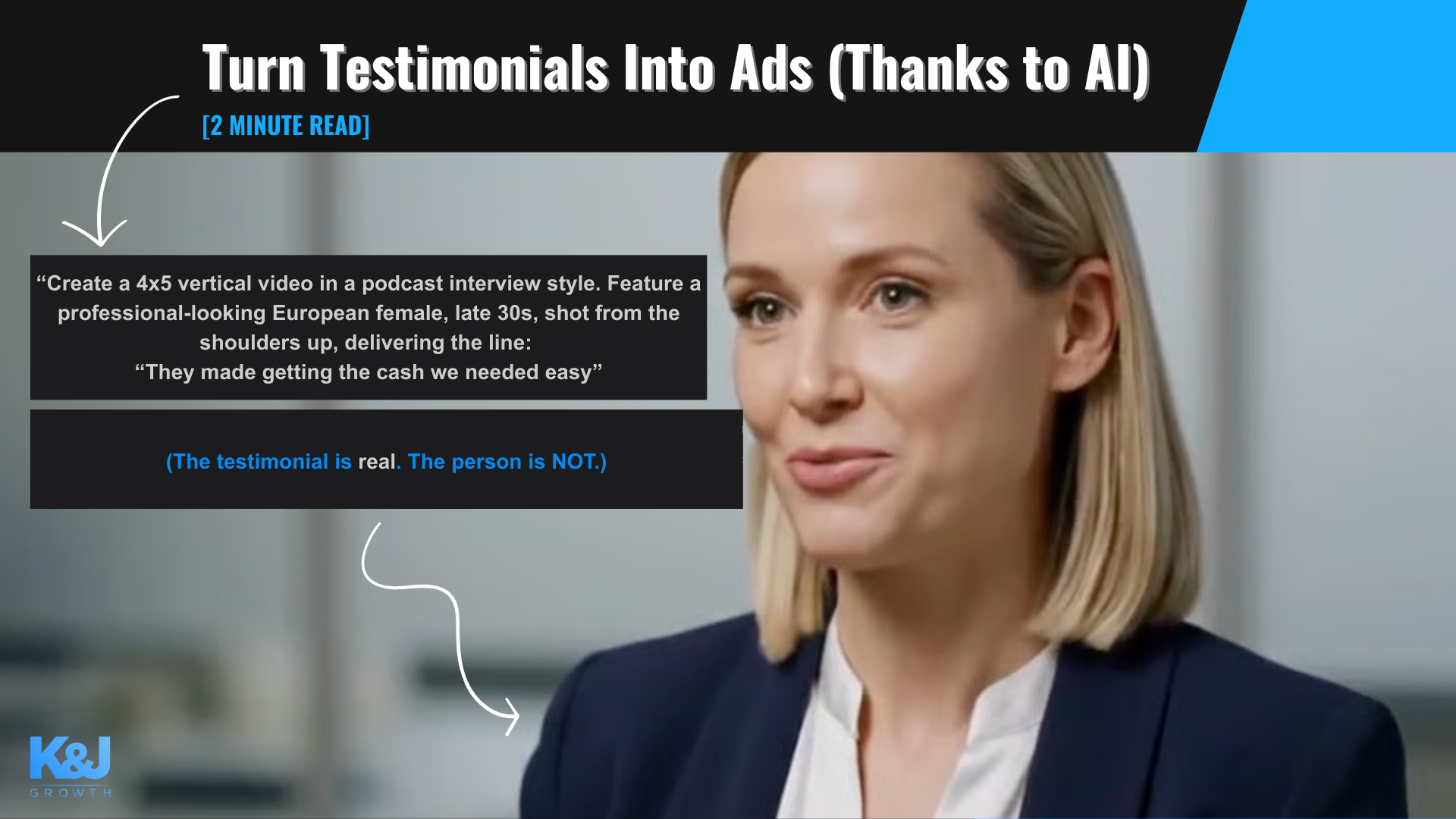
6. In terms of prompts, here is the best format:

-
Outline the video output type first: “4×5 vertical video”
-
Choose the setting: “podcast interview style”
-
Tell Flow the details of the person: “Feature a professional-looking European female, late 30s”
-
Tell it the shot: “Shot from the shoulders up”
-
Tell it the dialogue: “They made getting the cash we needed easy.”
7. Here is the output:
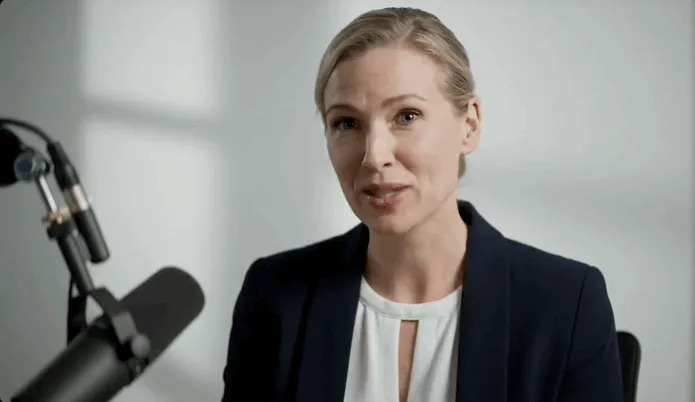
8. To turn these into ads we feel happy to advertise, we’re placing a watermark saying, “These are real customer testimonials using AI actors.”

From our testing with the 12500 credits, you can get 20 or so ads, each 25 – 40 seconds long. This works out to be about $8.70 an ad in terms of AI.
Add a short-form video editor to create a high-quality ad that converts for roughly $40.